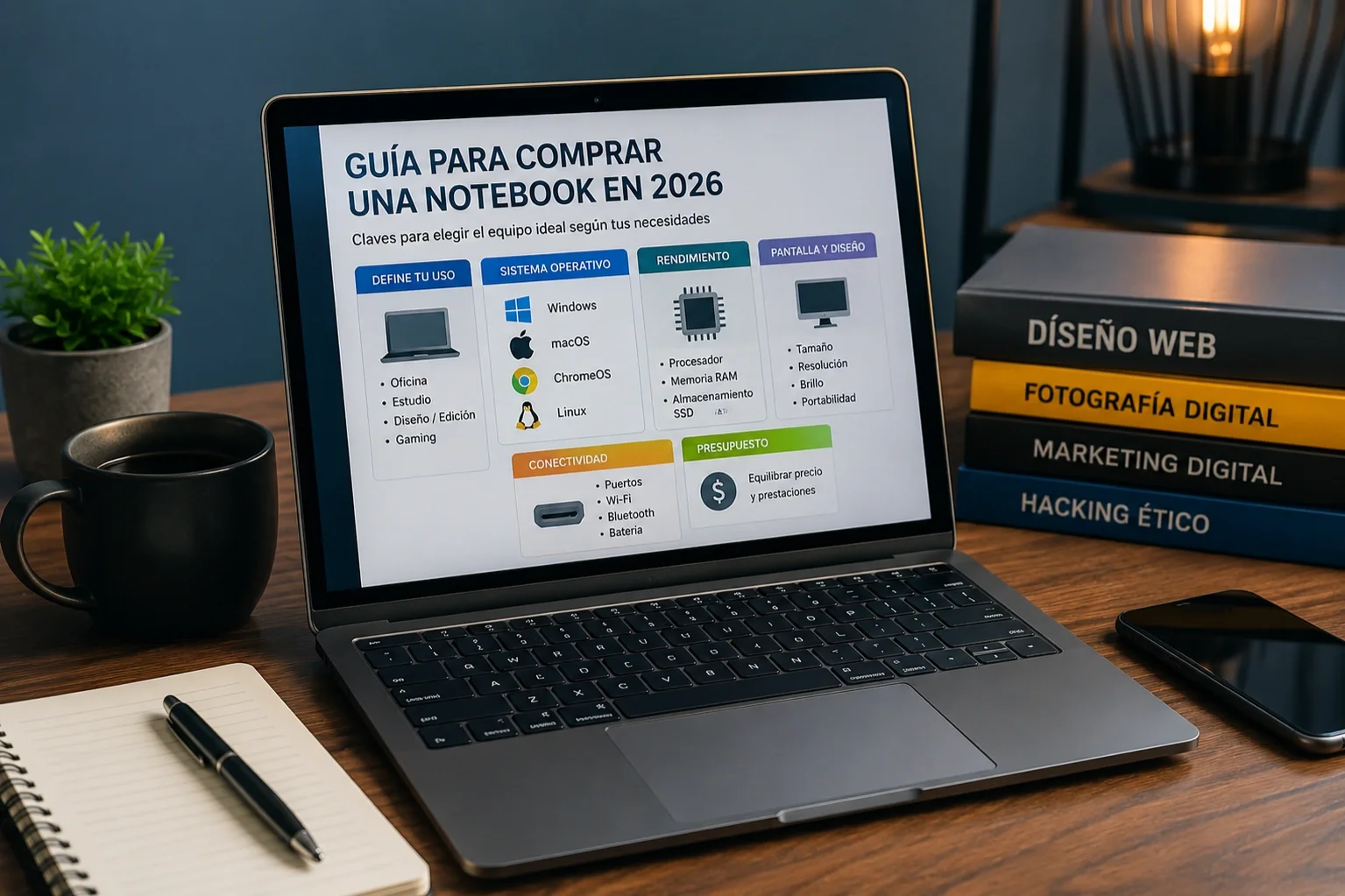

Most people settle for the newest laptop on the market and that's it, but if you want to make the most of your money and not miss out on real improvements, it's worth taking a moment to choose wisely. Buying a laptop today means looking beyond marketing and understanding what you really need based on how you will use it.
The first step is to define the main use. Is it for office work, browsing, and video calls? Or do you have a hobby or job that demands more, like video editing, design, or gaming? If you’re going to carry it all day in your backpack, portability and battery life become key. Answering this helps avoid overspending on power that you won’t utilize.
The budget also sets the path. Around 1000 dollars is a sweet spot where laptops feel premium without major compromises. Below that, there are good options, especially Chromebooks that perform better than the cheaper Windows laptops. Recently, a more affordable MacBook was released, increasing competition in that segment.
Which operating system to choose?

Windows remains the most versatile option and compatible with almost everything. It’s ideal if your work requires it or you need specific programs. Additionally, there’s a huge variety: from the most economical to gaming laptops and 2-in-1s with touch screens.
macOS shines if you’re already within the Apple ecosystem. The integration with iPhone is very convenient, and MacBooks usually have very good build quality and battery life. However, options are limited to the brand's models.
If you want to save money and mainly use a browser, ChromeOS is a solid alternative. Chromebooks, especially those from the Plus line, have greatly improved in performance and cameras. However, they don’t run heavy programs like the full Adobe suite.