iPhone 5c
iPhone 5
How the exit of WhatsApp from old phones will happen
The process of deactivating WhatsApp will not be immediate. First, unsupported devices will stop receiving new versions from Google Play Store or App Store

WhatsApp will stop working on several phones starting in September due to not meeting the minimum compatibility requirements
iPhone 5c
iPhone 5
The process of deactivating WhatsApp will not be immediate. First, unsupported devices will stop receiving new versions from Google Play Store or App Store



Afterward, issues may arise when logging in, sending or receiving messages, and making voice calls or video calls. Over the weeks, the application will cease to function completely
For this reason, users should check their operating system version as soon as possible and verify if the device supports an update compatible with WhatsApp
If the phone can no longer be updated, it is recommended to create a backup before September 1, 2026. The backup can be done via Google Drive or iCloud
To save conversations from the app, go to Settings, select Chats, and then enter Backup
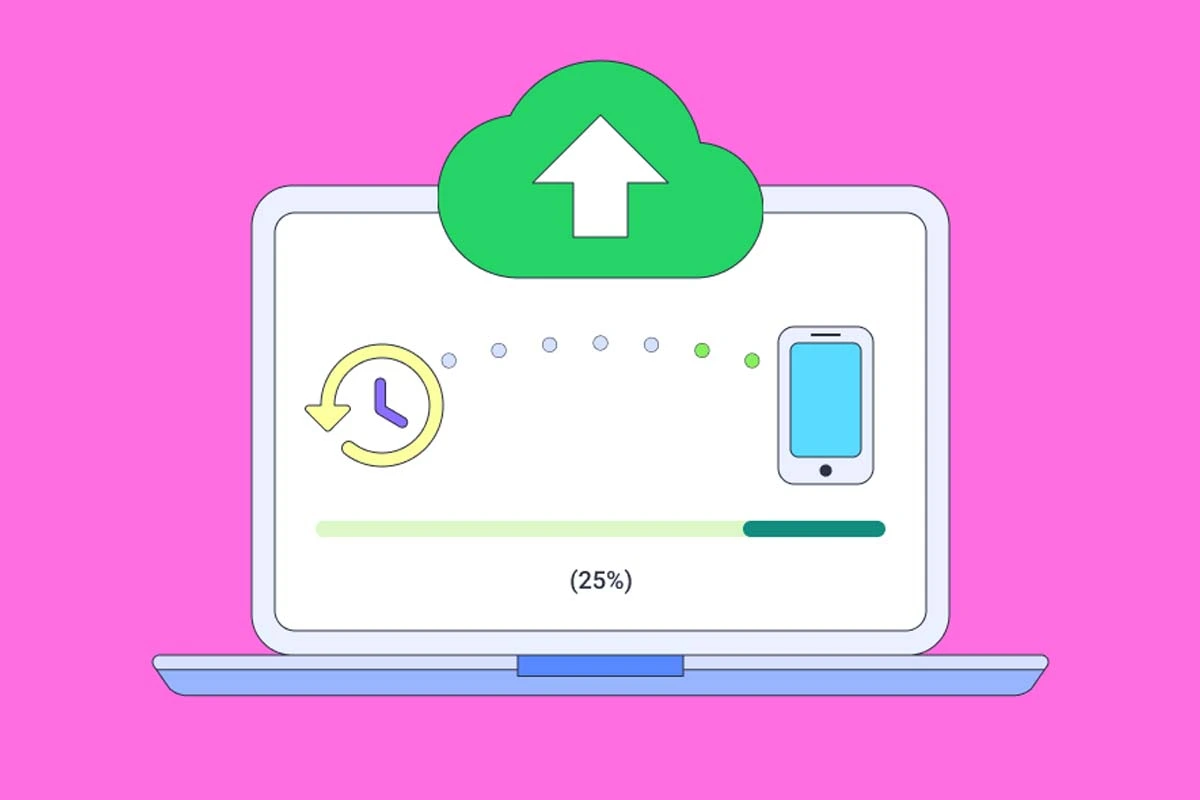
The backup allows restoring conversations, photos, videos, and documents when switching to a new phone compatible with WhatsApp
On Android, the version of the operating system can be checked from Settings, under Phone Information or About Device
On iPhone, go to Settings, select General, and then Software Update
If the device supports a compatible update, it is suggested to install it to maintain access to WhatsApp. If it cannot be updated, it will be necessary to migrate to a compatible phone
WhatsApp will no longer be compatible with several Android and iPhone phones that do not meet the minimum system requirements
The measure will begin on September 1, 2026 and will affect devices that cannot be updated to the required versions of the Meta app
The decision by WhatsApp affects Android devices that cannot install Android 6.0 or later versions. It also applies to iPhones that remain below iOS 15.1
Among the Samsung models that will stop receiving official support are the Galaxy S3, Galaxy S4 Mini, Galaxy Note 2, Galaxy Core, and Galaxy Trend Lite
In the case of Motorola, the list includes the first-generation Moto G and Moto E. The measure also affects various devices from LG and Sony
LG: Optimus G, Optimus L5, Optimus L7, Optimus F7, Lucid 2, Nexus 4, and G2 Mini
Sony: Xperia Z, Xperia Z2, and Xperia SP
In Apple devices, the requirement is determined by the version of the operating system. Devices that cannot be updated to iOS 15.1 will lose official support
iPhone 6
iPhone 5s