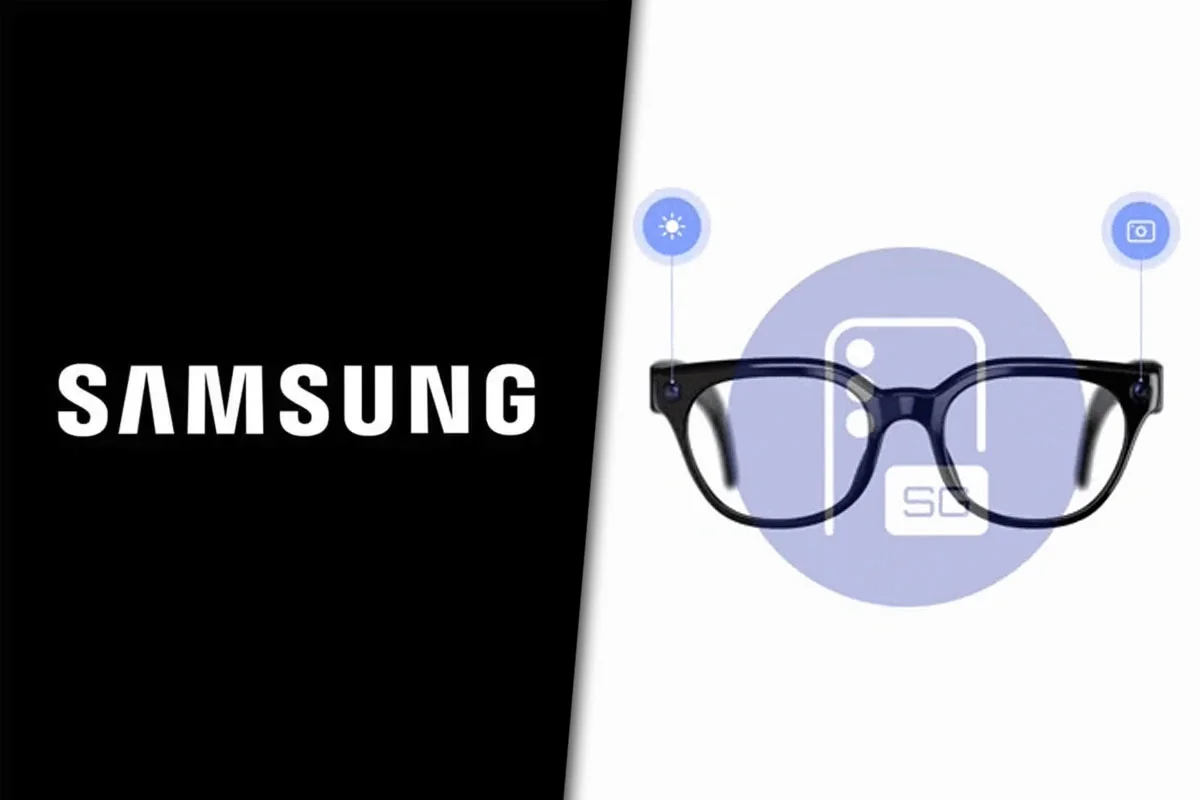
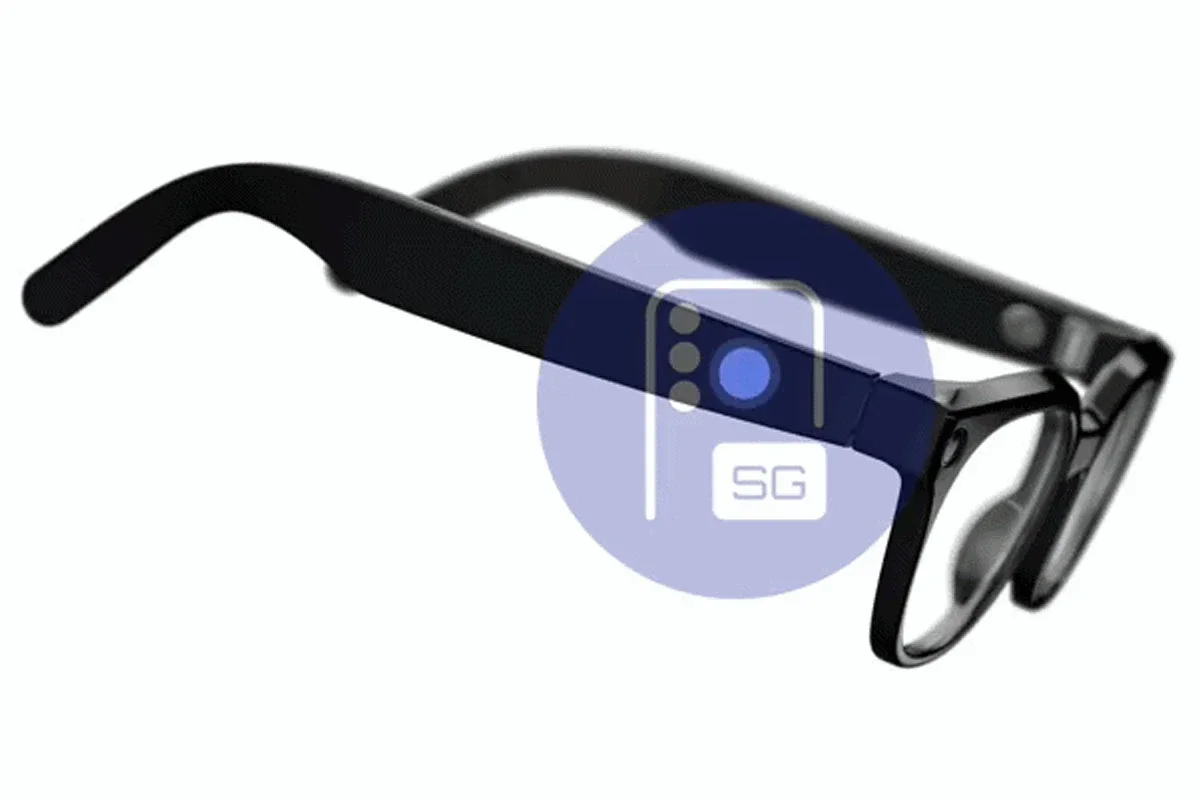
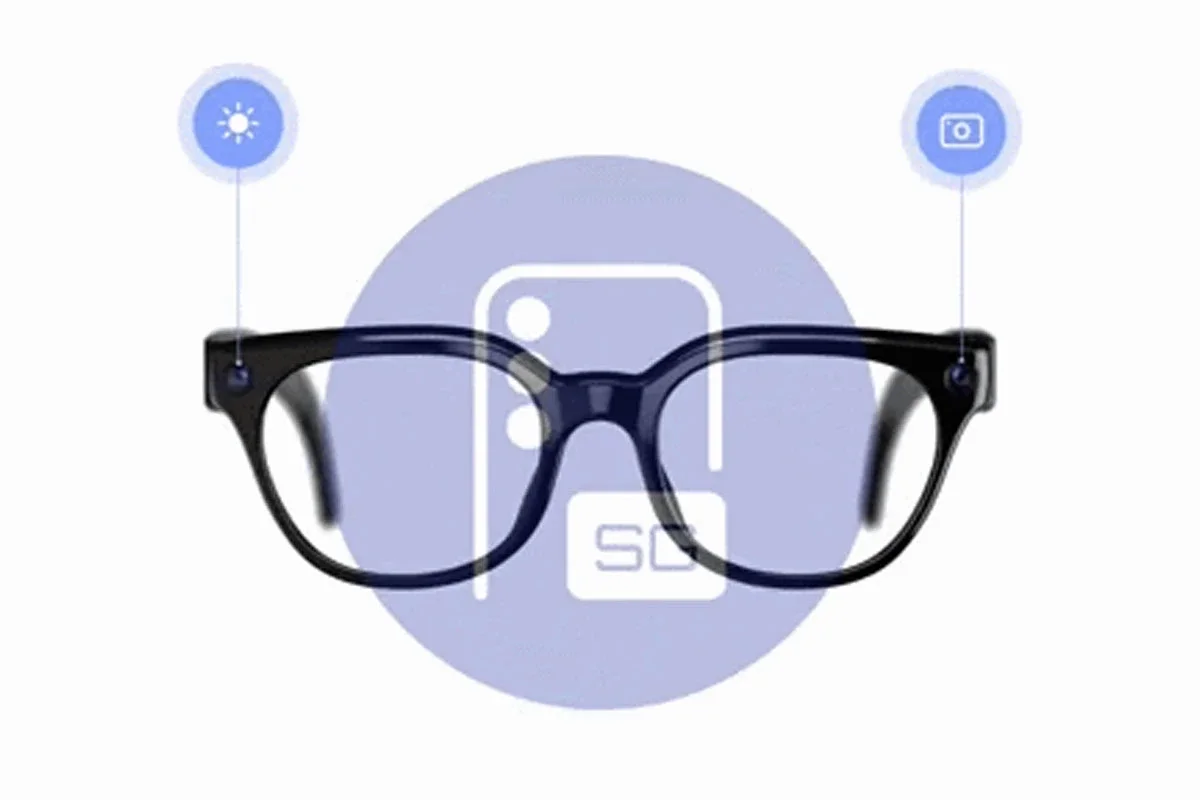
Samsung showcased a new preview of its Galaxy Glasses after a leakthat revealed how the official app to manage them will look and the gestures that will allow users to control their functions.
The leaked images and videos reveal functions to control the camera, AI assistants, notifications, and multimedia playback. Additionally, they provide a first look at the interface based on One UI XR, Samsung's layer for Android XR.
A leak revealed what the official app to manage them will be like
How the Galaxy Glasses app will work
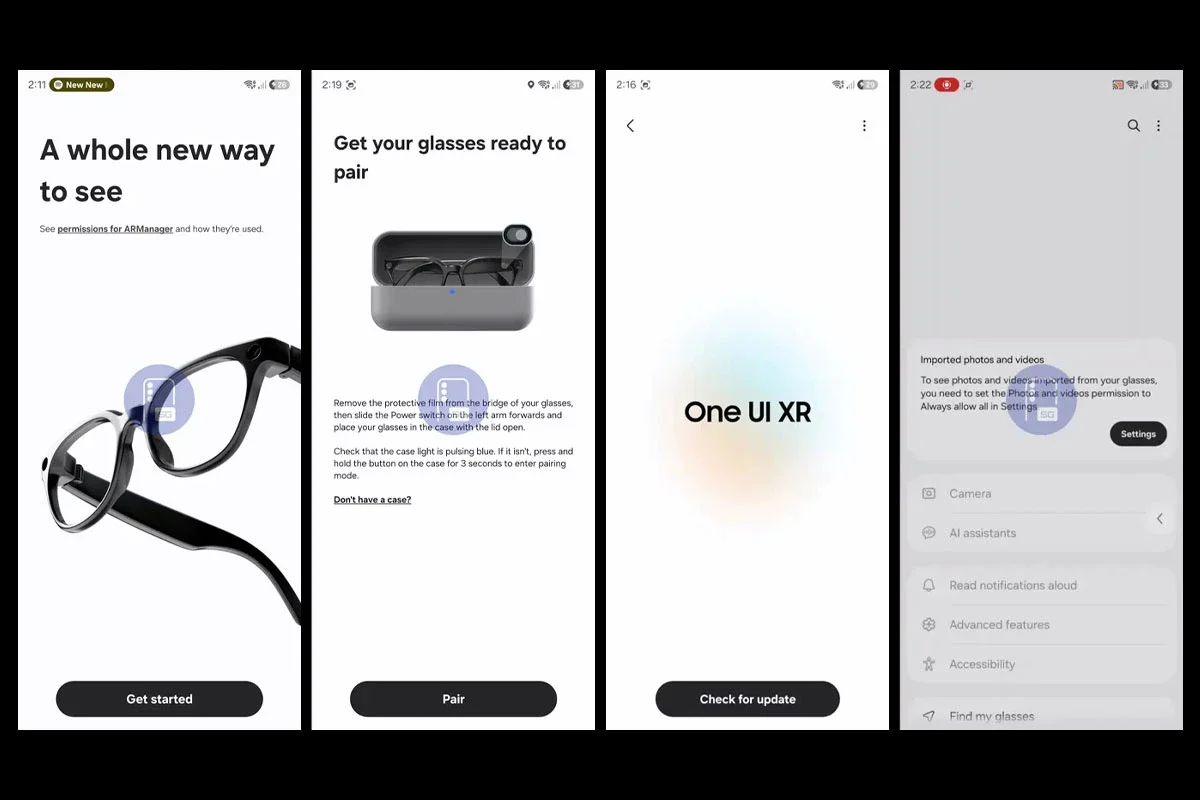
According to a leak published by SammyGuru, the Galaxy Glasses Manager app will be the control center for the new smart glasses.
From there, users will be able to install updates, manage settings, and enable or disable various device functions.
Upon opening the app for the first time and granting the necessary permissions, the system will display the pairing process with the smart glasses. The leaked images correspond to the model developed in collaboration with Warby Parker.
How will the Galaxy Glasses application be
During the setup, a welcome screen for One UI XR also appears, the interface created by Samsung on Google's Android XR platform.
What features Galaxy Glasses Manager will have
The main screen of the app will include shortcuts to various tools for managing the Galaxy Glasses.
Camera.
Artificial intelligence assistants.
Read notifications aloud.
Advanced functions.
Accessibility.
Find my glasses.
What functions will Galaxy Glasses Manager have
According to the source, there could be more configuration options, although it was not possible to access them without connecting a device.
Additionally, the app would allow for the automatic import of photos and videos captured with the glasses.
What gestures can be used on the Galaxy Glasses
The second leak shared by SammyGuru shows how the touch controls and physical buttons of the Galaxy Glasses will work.
What gestures can be used on the Galaxy Glasses
To change songs, simply sliding a finger forward or backward on the touch panel will suffice.
If the user uses two fingers while sliding, the system will adjust the volume. Sliding backward would decrease the sound, while sliding forward would increase it.
The second leak shared by SammyGuru shows how the touch controls will work
A tap on the touch panel will pause or resume multimedia playback. That same gesture will also be used to answer calls.
How the camera of the Galaxy Glasses will work
On the top of one of the arms, near the hinge, there will be a button dedicated exclusively to the camera.
A press will allow taking photos, while holding down the button will start video recording. To stop the capture, it will be necessary to press it again.
How the camera of the Galaxy Glasses will work
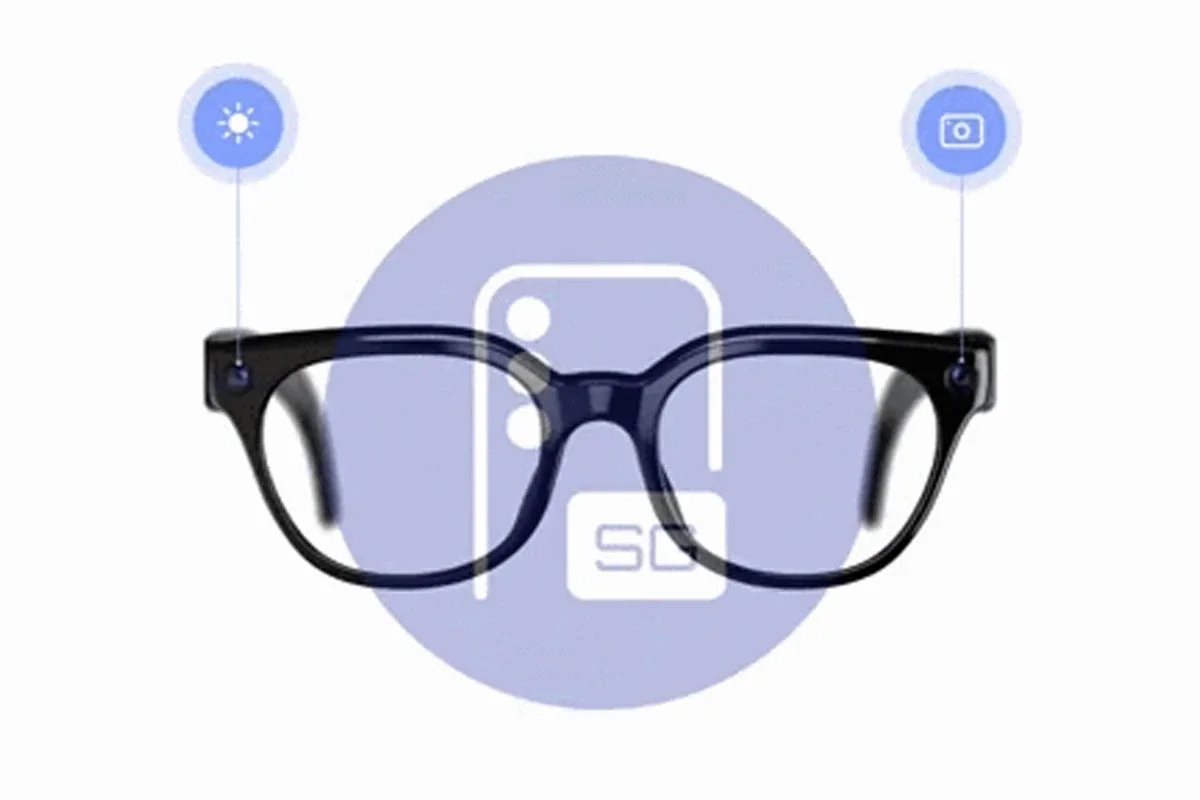
The Galaxy Glasses will also incorporate two LED indicators to inform when the camera is recording.
A front LED will alert people around the user.
A second LED, facing the wearer of the glasses, will confirm that recording is still active.
Where captured photos and videos will appear
According to the leak, all images and videos captured with the Galaxy Glasses will automatically appear in Now Bar.
Where will the captured photos and videos appear
From that interface, it will be possible to preview the content and reframe the images or videos before using them.
The report also indicates that this function would be available from a Galaxy Watch, allowing quick access to captured content from the smartwatch.