Google is testing the integration of Nano Banana into Gemini to edit images with AI from any app
Compartir:
Google continues to enhance its artificial intelligence ecosystem with new features that integrate Gemini and its image editor Nano Banana. Now, the company is testing an overlay that allows users to edit photos with AI directly from any app on their phone.
According to Android Authority, this update aims to let users apply effects and make edits without leaving the app they are using.
El nuevo modelo de Google para generar y editar imágenes
The new feature that integrates Nano Banana into Gemini
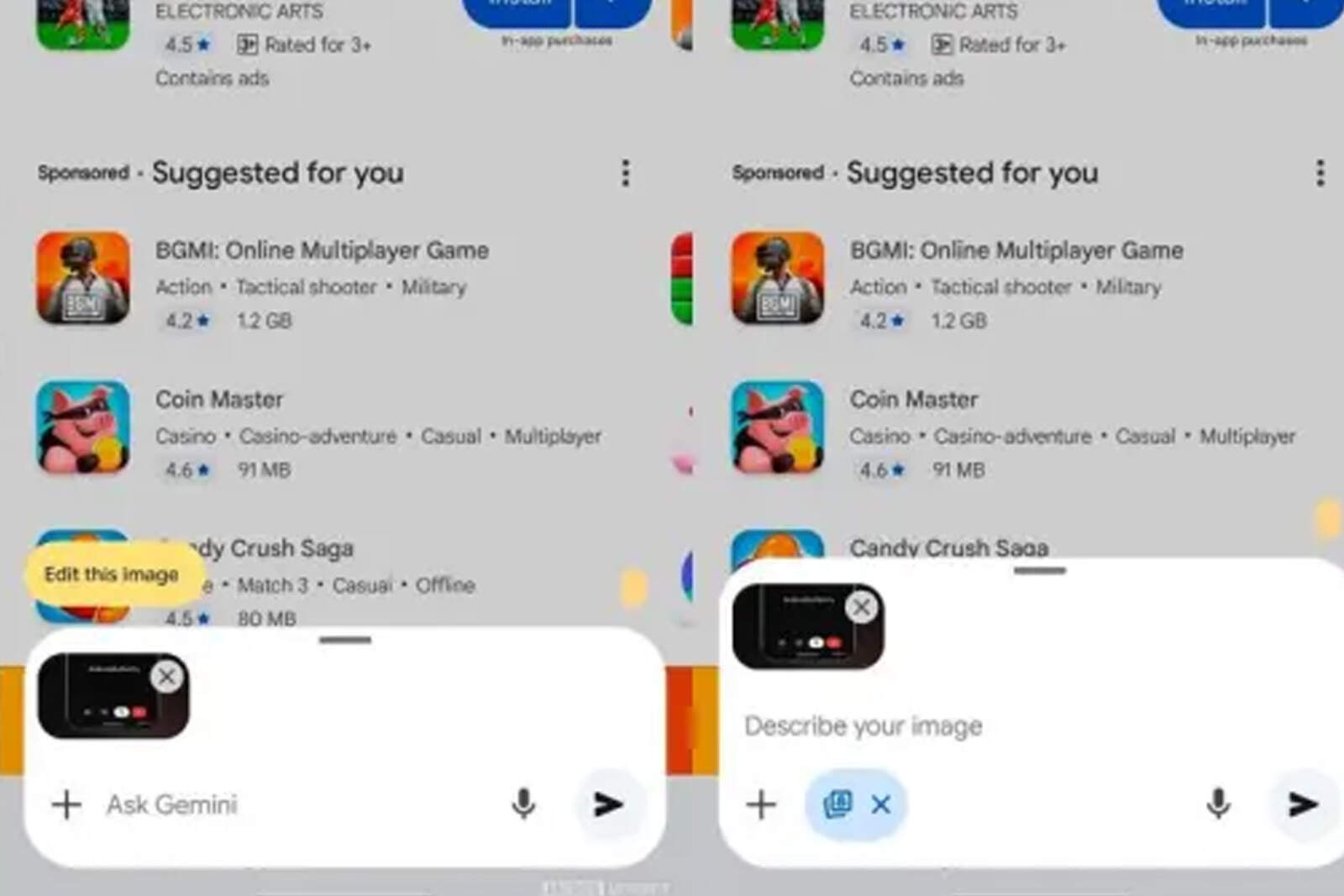
The latest version (16.41.61) of the Google app includes an option called "Edit this image" within Gemini's floating window. This feature appears when users attach a photo while the assistant's overlay is active on the screen.
By tapping that button, Nano Banana mode is launched, allowing users to edit images using step-by-step written descriptions. This way, users can make progressive changes until achieving the final design, just like in Gemini's main interface.
This new system expands Gemini's use beyond conversations or responses based on visual content. It offers a creative tool that competes directly with OpenAI's editing solutions and its ChatGPT model.
La nueva función que integra Nano Banana a Gemini
Integration with Google Photos and the "I'm Feeling Lucky" option
In addition to its arrival in Gemini, Nano Banana is also being integrated into other platforms such as Google Photos, Lens, AI Mode, and NoteBookLM. From there, users will be able to edit images, create collages, or combine elements from different photos with simple text prompts.
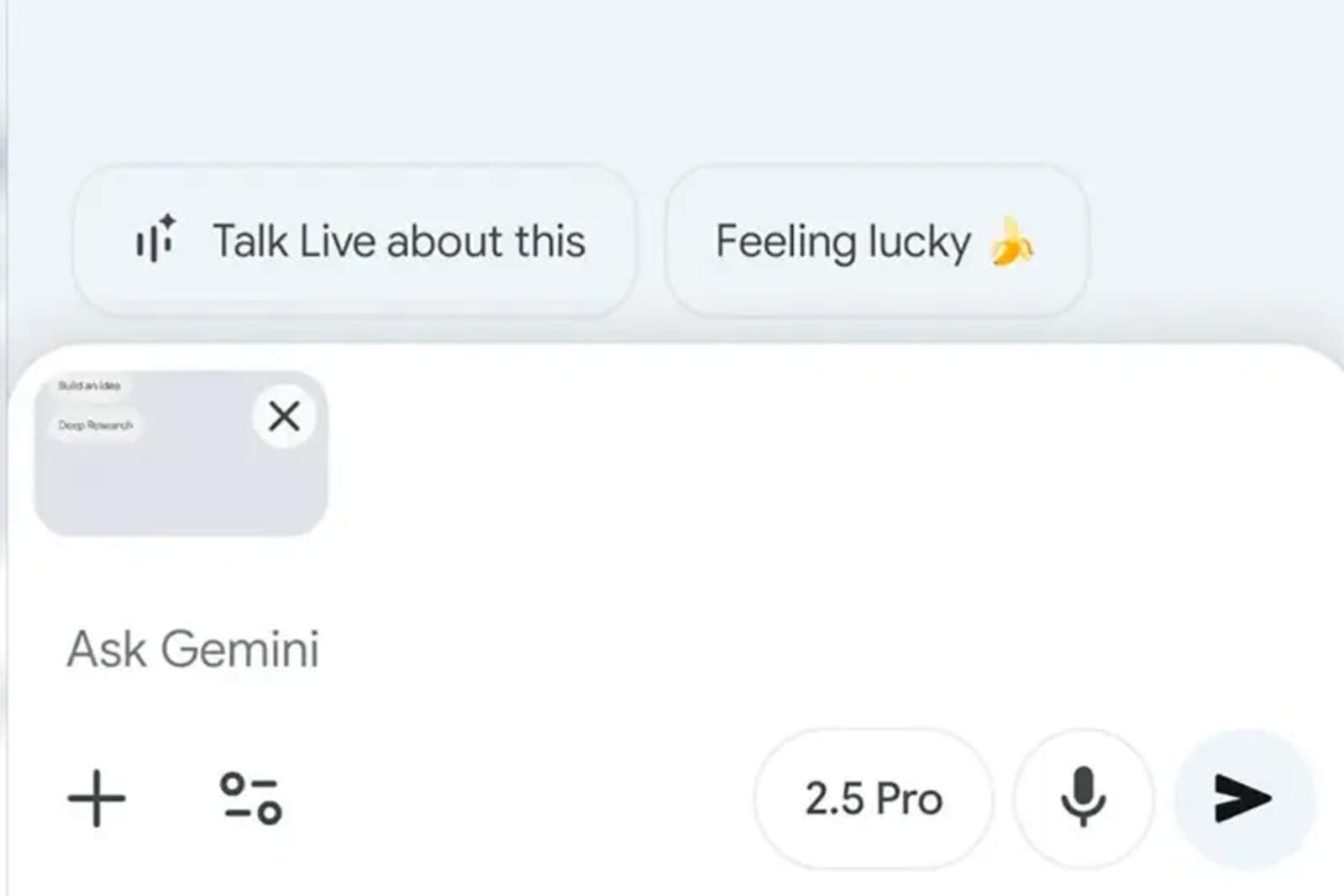
Google is also experimenting with a feature called "I'm Feeling Lucky", inspired by the classic search button.
Integración con Google Fotos y la opción “Voy a tener suerte”
Although its exact functionality is not yet known, it is expected to automatically apply popular viral or aesthetic effects to images.