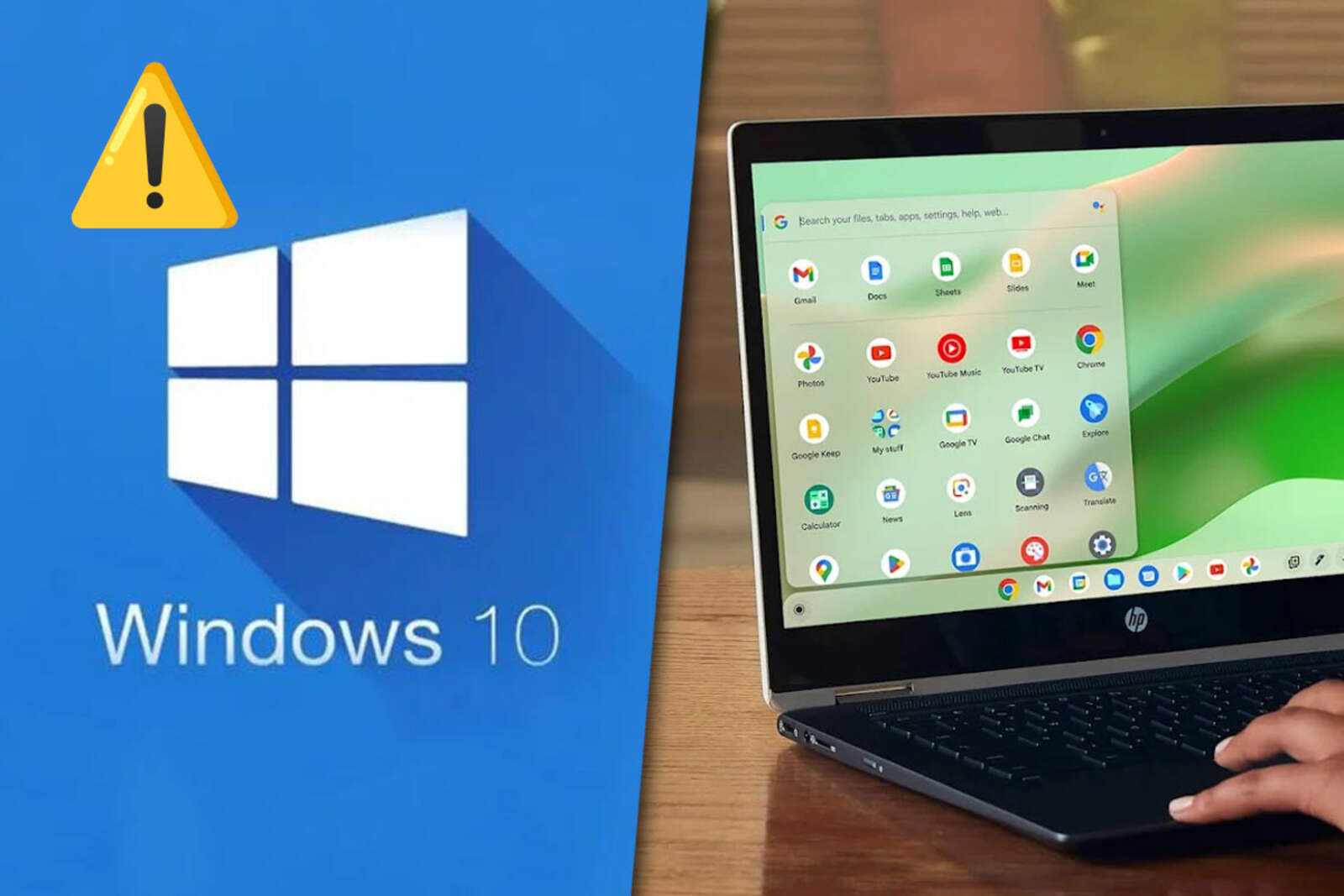
With Windows 10 without updates, these solutions help maintain security and functionality
Nuevo
Agregar La Derecha Diario en
Compartir:
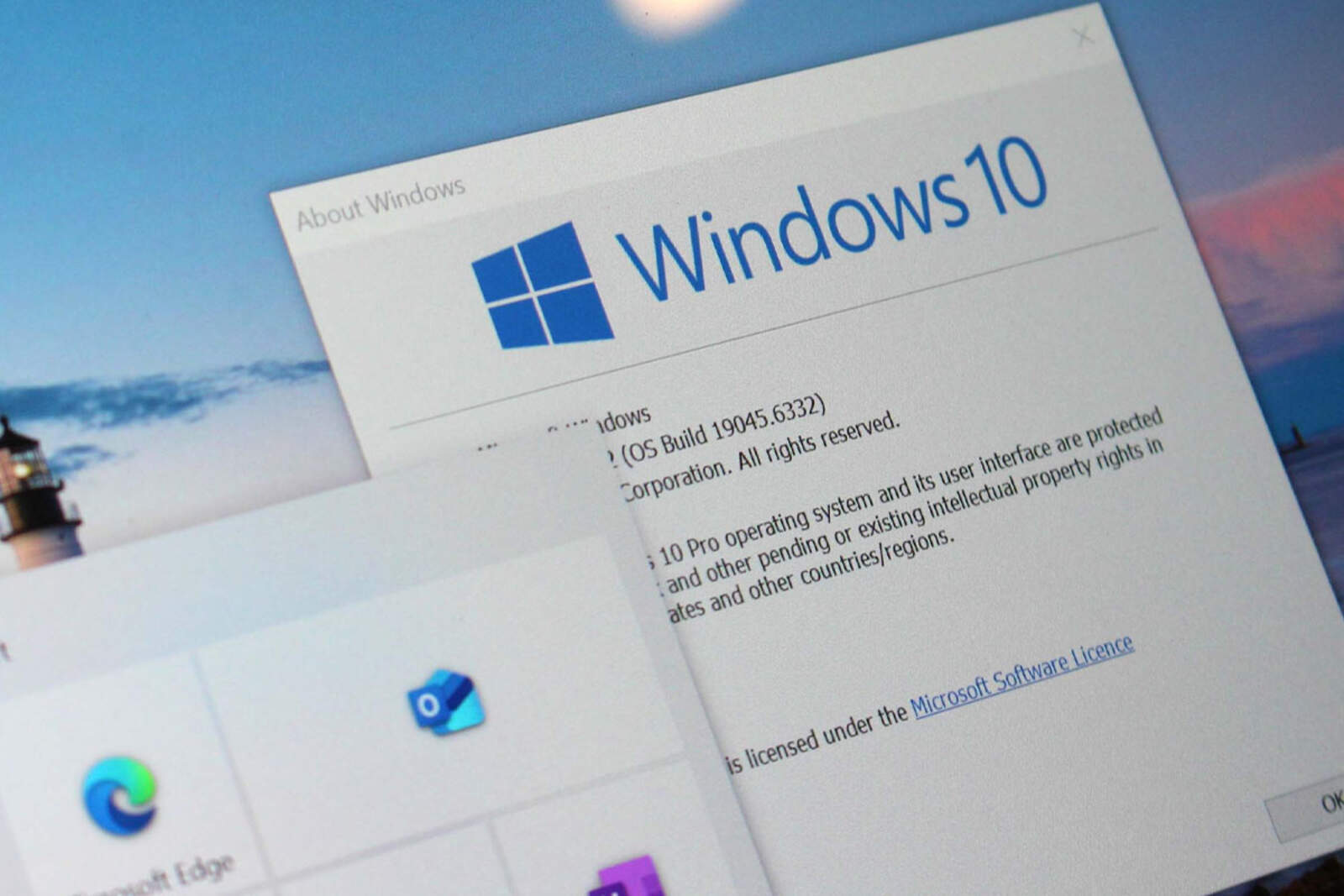
On October 14, 2025, Microsoft will end support for Windows 10, a operating system with more than ten years of history.
Those who still use it will need to look for alternatives to protect their devices and keep them functional.
Microsoft dejó de dar soporte a Windows 10
Risks of continuing with Windows 10
Computers will continue to work, but they'll stop receiving security patches. This increases vulnerability to ransomware attacks and other cyber threats.
Additionally, third-party developers will stop updating their applications and games for Windows 10, which limits compatibility and security.
Upgrading to Windows 11
The easiest way to continue is to upgrade to Windows 11, which is compatible with most recent devices. To check, go to Settings > Privacy & security > Windows Update and look for the "Upgrade to Windows 11" option.
Microsoft anunció nuevas herramientas con Inteligencia Artificial para Windows 11
Before upgrading, it's advisable to back up your data. If the PC isn't compatible, Microsoft offers tools to check the hardware and partial upgrade options.
Buying a new device
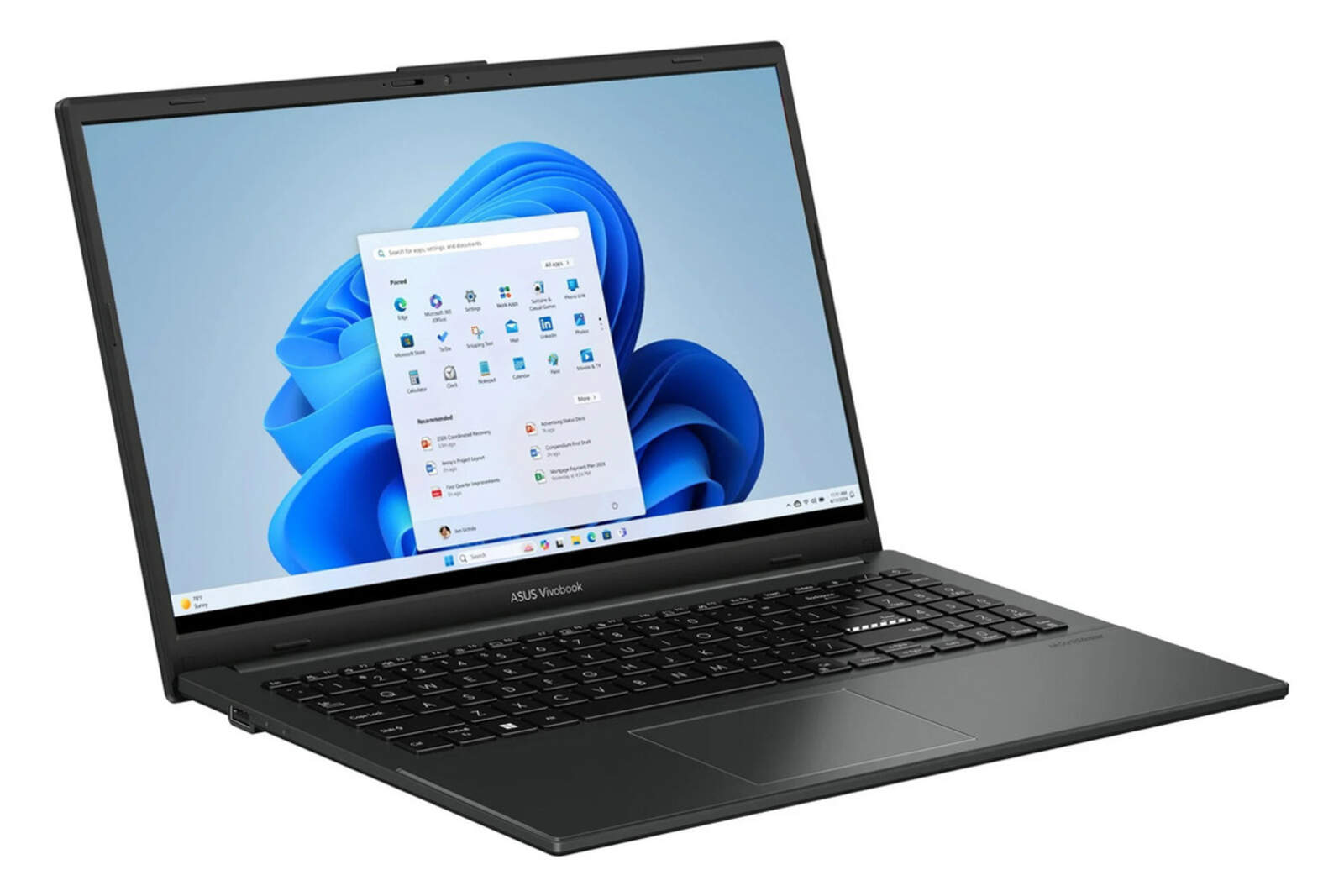
Another alternative is to purchase a PC with Windows 11 preinstalled. The minimum requirements include 4 GB of memory, 64 GB of storage, a 720p display, and a 1 GHz or higher processor.
This option may be limited by price or device availability, but it ensures compatibility and future security updates.
Notebook Vivobook Core i3: u$s337,47
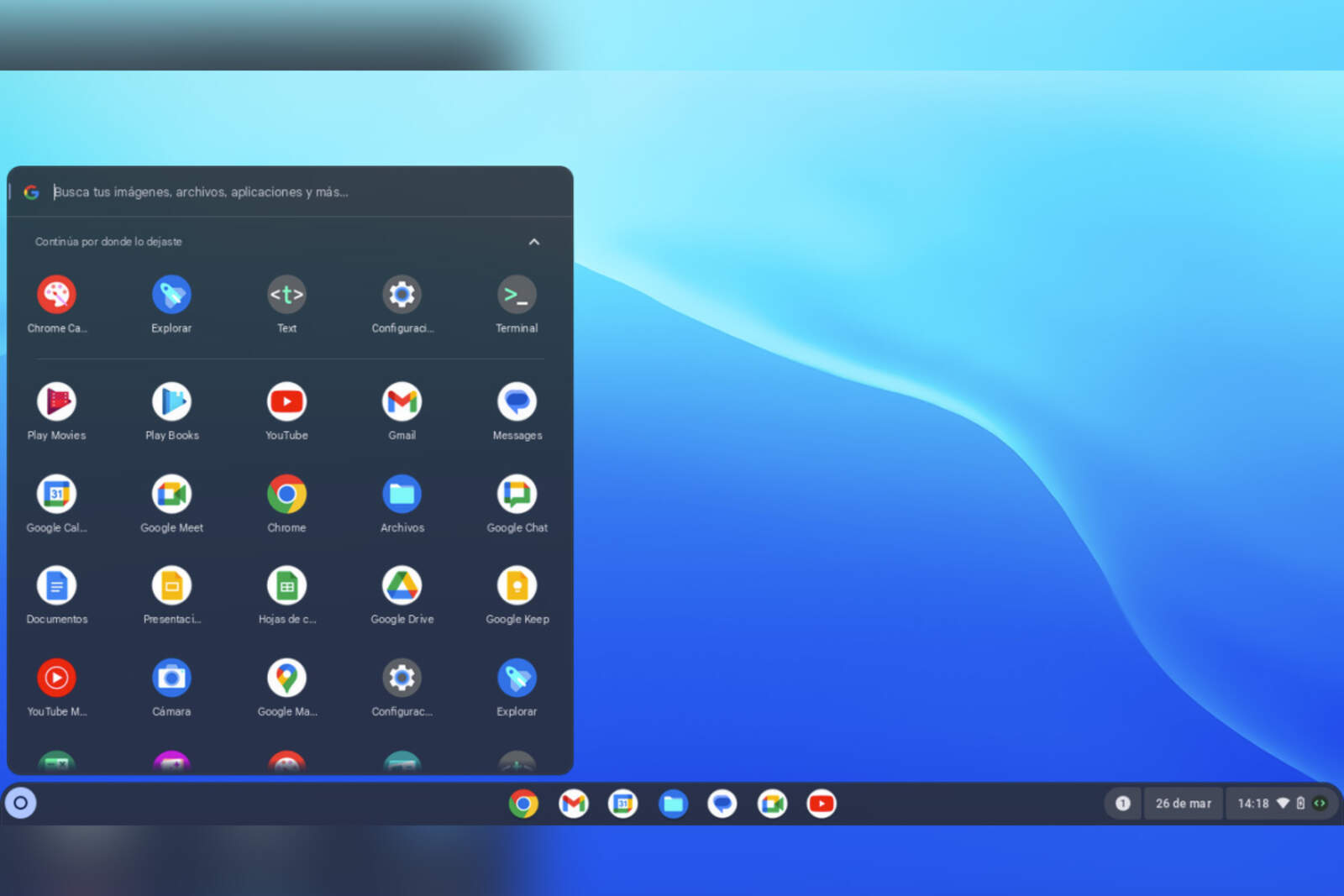
Turn your PC into a Chromebook with ChromeOS Flex
ChromeOS Flex allows you to use older devices as Chromebooks. It works well on modest hardware and focuses on web browsing.
Installation requires checking compatibility, creating a USB installation media, and backing up all files, since the content will be erased.
ChromeOS Flex
Adopting Linux
Linux is free, secure, and compatible with many programs. Distributions like Linux Mint make the transition easy even for users without technical experience.
Installation is similar to ChromeOS Flex: assess compatibility, prepare the USB drive, and proceed with installation. Linux offers flexibility and support from an active community.