



With those credentials, attackers can attempt to access other accounts. If a person reused their passwords, access could extend to other profiles.

The theft can also lead to account takeovers and ransom demands to return them.

A fake Claude application for Windows can steal passwords and crypto wallet data without the user noticing






With those credentials, attackers can attempt to access other accounts. If a person reused their passwords, access could extend to other profiles.
The theft can also lead to account takeovers and ransom demands to return them.
A fake application of Claude for Windows is used as a lure to steal information from computers. The campaign offers paid features of artificial intelligence for free.
The cybersecurity company Morphisec detected the program, which presents itself as Claude Opus 5 Free Desktop. The file can obtain passwords and data from cryptocurrency wallets.
Researchers from Morphisec found the application on GitHub and also detected its distribution on video game cheat pages.
When the file is opened, a program called RevStealer is activated. The malware searches for information stored on the computer and sends it to the attackers.
The activity can be carried out without the Claude screen appearing. Once the theft is complete, the program can be deleted to hinder subsequent analysis.

According to the report from Morphisec, the program searches for information from over 50 cryptocurrency wallet applications. It also targets 12 password managers.
The first measure is to check the origin of the file and who publishes it. The name and logo of a company can be copied to pass off a malicious program as a legitimate one.
To download Claude, the material indicates that the official page of Anthropic for Windows should be used. For mobile devices, the indicated options are the official Apple and Android stores.

It is also important to verify the link address before opening it. A different letter or an added word to the brand name may indicate that the site is fake.
Just because a file is published on GitHub does not mean it belongs to Anthropic. The platform allows sharing projects from different authors.
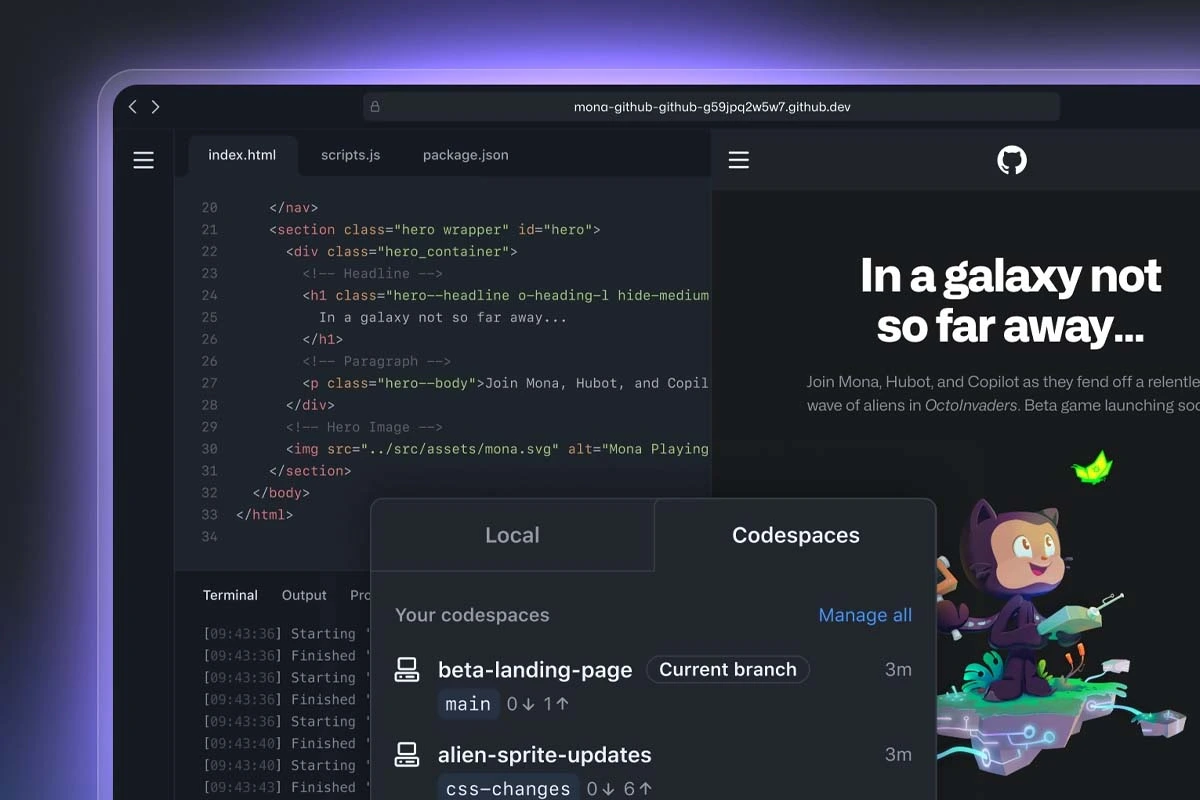
Before installing an application, it is advisable to check if Anthropic recognizes that project and links to it from its official channels. One should also be wary of downloads that promise to unlock paid features.