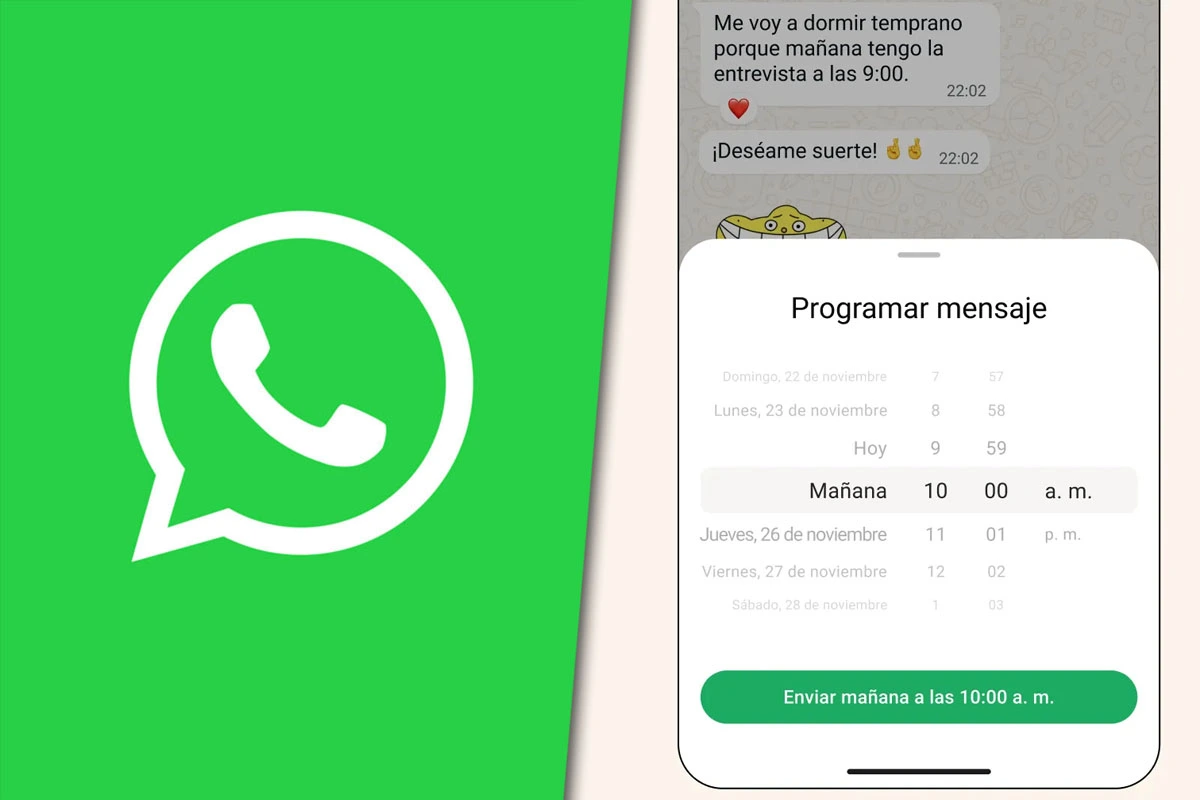
WhatsApphas begun to implement a highly anticipated feature: the ability to schedule messages in individual and group conversations. The tool will allow users to choose a date and time for the content to be sent automatically.
The new feature is being rolled out globally for iOS and Android users. Once enabled, it can be used directly from the send button in each conversation.
WhatsApp began to implement a long-awaited feature
How to schedule messages on WhatsApp
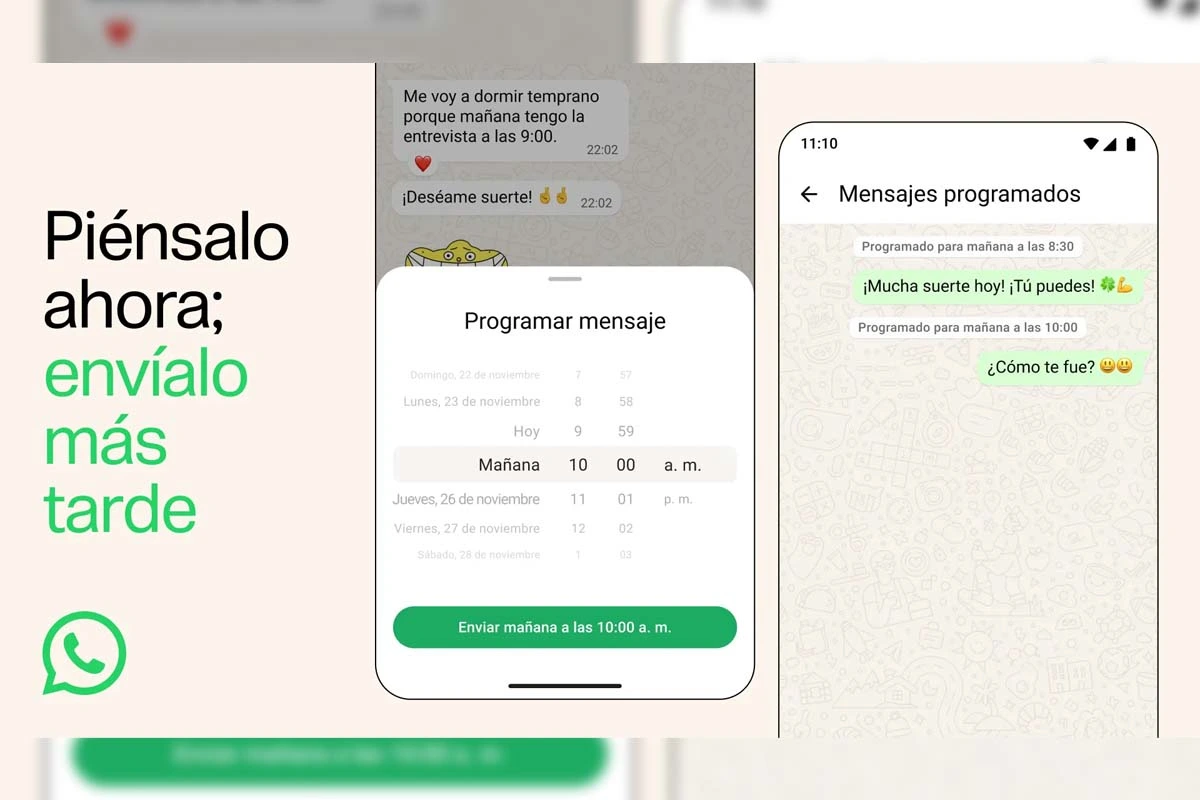
The process will be simple. Users will need to write the message and hold down the send button to access the scheduling option.
WhatsApp will allow users to select a sending time within a range that goes from 10 minutes to 14 days later. The tool will be available in both individual chats and groups.
Additionally, it will be possible to schedule different types of content:
Text messages.
Photographs.
Videos.
How to schedule messages on WhatsApp
The application will also allow users to view all scheduled messages and delete them if they change their mind. For now, it is unclear whether it will be possible to modify the date or time of a scheduled message.
Messages will be sent even if the phone is off
One of the most important aspects of the feature is that scheduled messages will be sent even if the phone is off or out of network coverage. This way, it will not be necessary to keep the device connected for the sending to take place.
Messages will be sent even if the cell phone is turned off
The tool can be useful for remembering birthdays, sending messages at specific times, or communicating with people living in different time zones. It can also facilitate the organization of work teams and the sending of updates to clients by companies.
WhatsApp adds a feature that Telegram and Signal already had
The ability to schedule messages is not new among messaging applications. Competitors like Telegram and Signal have offered this tool for some time.
With this addition, WhatsApp, owned by Meta, adds a feature that its rivals have had available and expands the options for organizing personal, group, and work conversations.