
Google Photos introduced one of the biggest updates in its history, with the arrival of Nano Banana. It now allows users to transform images with simple text or voice descriptions.
Google also incorporated features such as "Ask Photos", the new "Ask" button, and the "Help me edit" option. According to Google's official blog, these tools aim to offer a more intuitive and creative experience, leveraging natural language as the main axis.
Nano Banana: photo editing with AI reaches another level
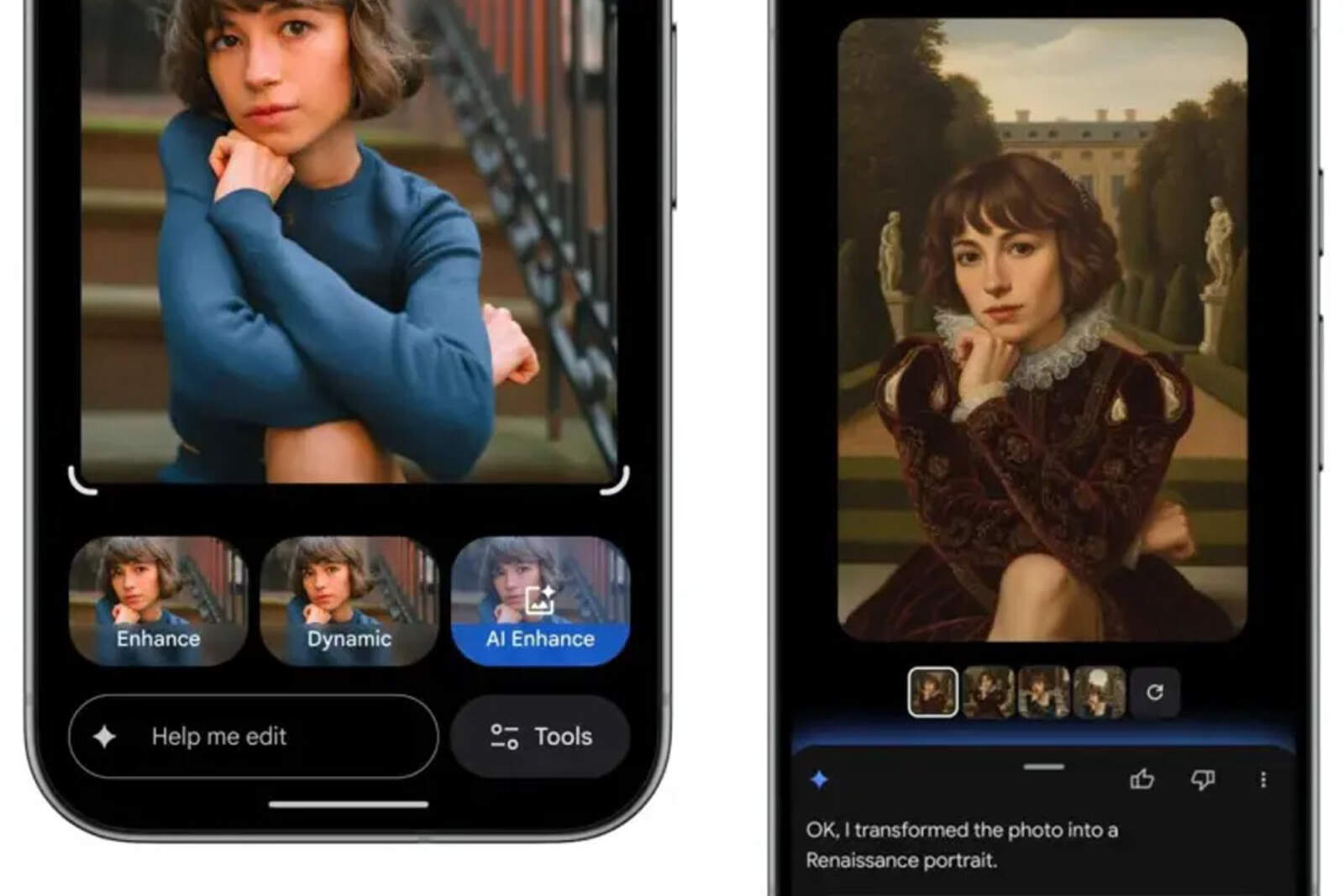
With Nano Banana, users can modify any image by typing or saying what they want to achieve. Users just need to open a photo, tap on "Help me edit", and describe the desired style. From Renaissance-style portraits to removing objects or changing the background, Google's AI can generate automatic transformations with great realism.
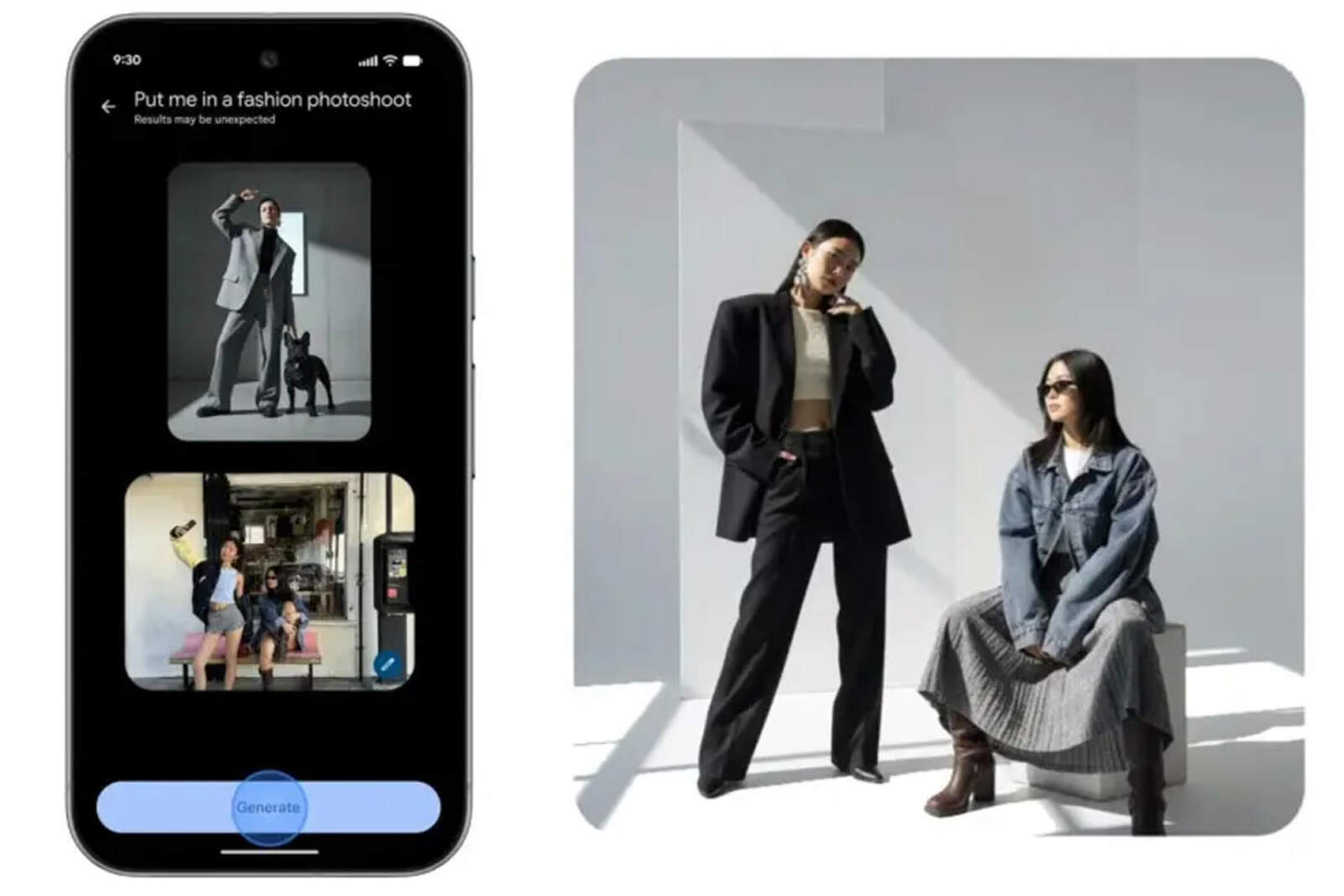
Additionally, the app adds a tab called "Create with AI", which includes smart templates to apply predefined effects. Some available options are "turn your image into a high-fashion photo shoot" or "create a holiday greeting card."
Editing with text and voice on iOS
iPhone users will also benefit from this update. Google has completely redesigned the photo editor on iOS to allow quick edits using text, voice, or gestures. This means users can now apply changes by saying, for example, "make the background a beach" or "add more natural light."