WhatsApp allows users to activate an anti-spam mode with simple settings to prevent scams and protect privacy
Nuevo
Agregar La Derecha Diario en
Compartir:
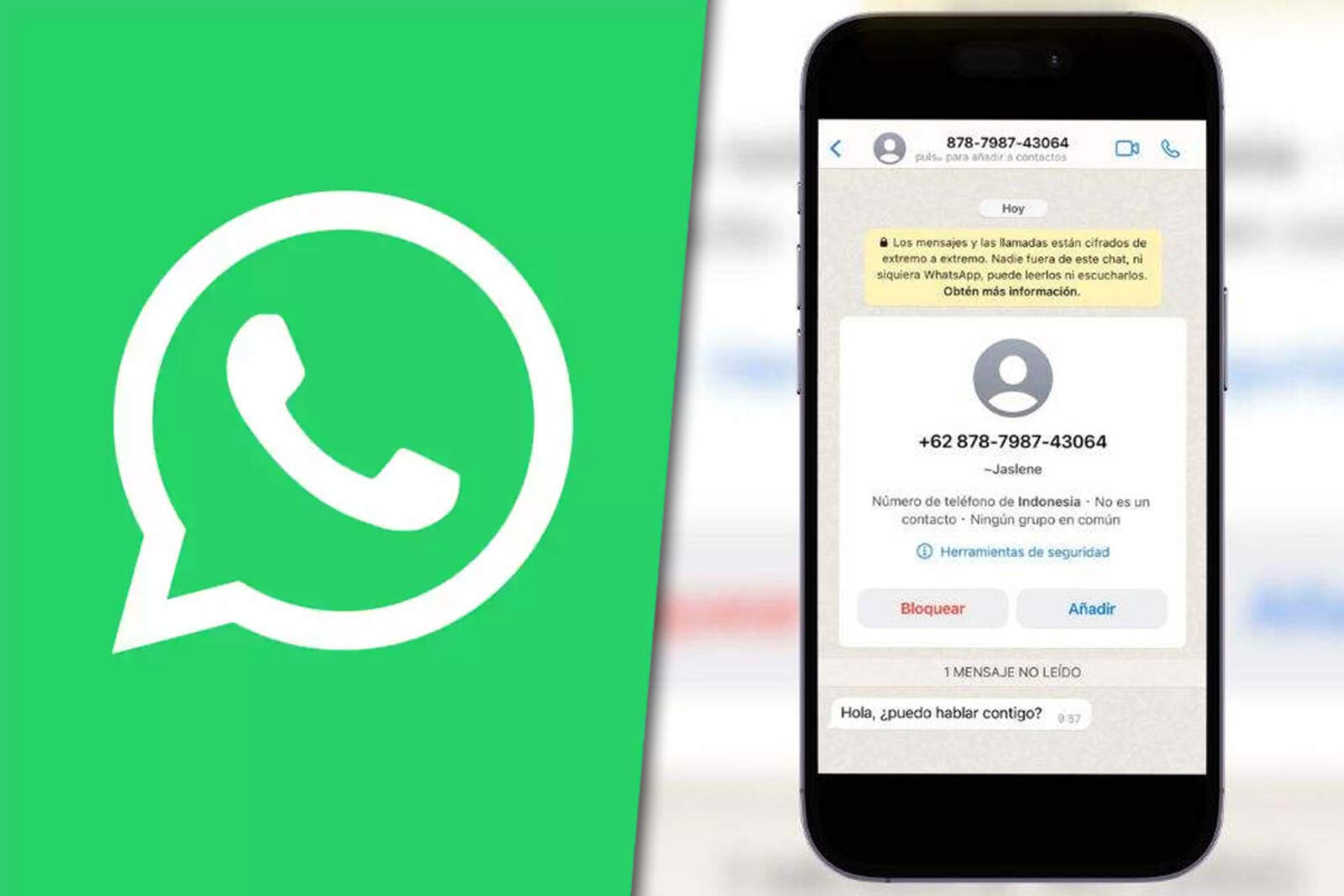
Virtual scams, junk messages, and unknown groups have multiplied in recent months, and many users are looking for tools to protect their privacy. WhatsApp offers a series of internal settings that, when combined, work as a true antispam mode to keep the app clean and secure.
It's not a single feature, but rather a set of settings you can activate in just a few steps. This way, you prevent being added without permission, reduce the exposure of your data, and stop suspicious files from entering.
Google busca consolidar a RCS como la alternativa directa a WhatsApp
How to prevent being added to groups without your permission
One of the keys to antispam mode is limiting who can add you to groups. This prevents you from ending up in unknown chats or those created for questionable purposes.
How is it activated?
Open WhatsApp.
Go to "Settings" and then to "Privacy".
Tap "Groups" and select "My contacts" or "My contacts except...".
Protect your personal data within the app
In "Privacy" you can also define who sees your profile photo, your last seen, your status, and even your avatar stickers. Limiting this information prevents strangers from tracking you or collecting data.
ChatGPT ahora está disponible directamente en WhatsApp
This setting is key to maintaining confidentiality and reducing the risk of scam attempts.
Disappearing messages: the ally to avoid accumulating digital junk
Disappearing messages are a useful tool to avoid chains, spam, and conversations you no longer need. Everything you receive is automatically deleted after a period you choose.
How is it activated?
Open WhatsApp and go to "Settings".
Look for "Disappearing messages".
Choose the duration, such as 90 days.
Google quiere destronar a WhatsApp con RCS, su nuevo sistema de mensajes
Automatic downloads: how to block suspicious files
Disabling automatic downloads is essential to avoid viruses, fraud, and files that take up unnecessary space. This way, you decide what to save and what to delete.
How to set it up?
Go to "Settings" and then to "Storage and data".
In "Media auto-download", select "Never" for photos, audio, videos, and documents.
How to report suspicious groups or chats
If you're added to an unknown group or receive a strange message, you can report it so WhatsApp can intervene.