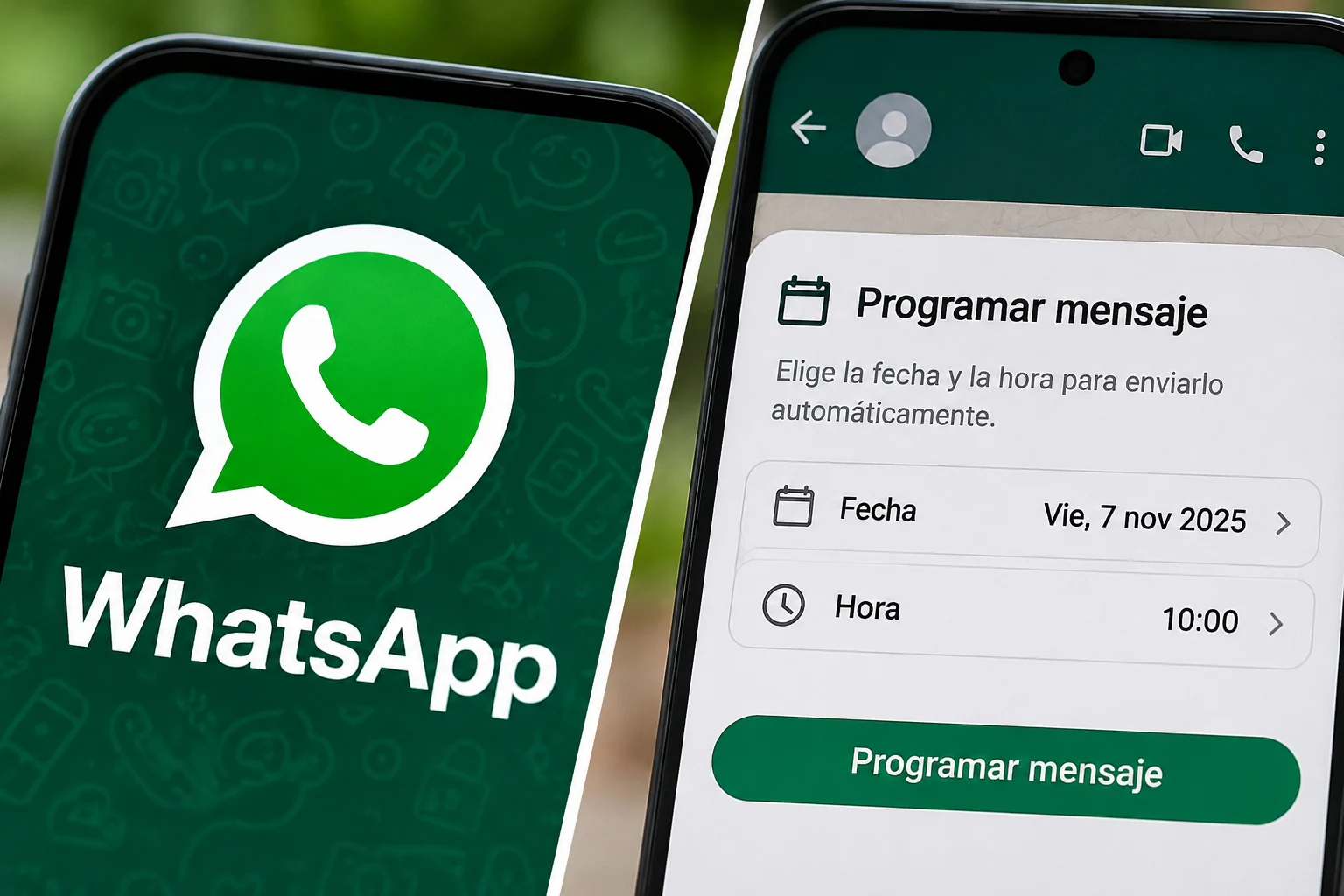







WhatsApp has begun testing a tool that allows users to schedule messages without installing external applications The feature lets you write a text, choose the day and time for delivery, and confirm the sending from the conversation itself. This novelty aims to resolve common situations: a birthday greeting, a work reminder, or a communication that is better sent outside the time it was drafted.
The change is significant because the message can be sent automatically even if the application is closed or the phone has no connection According to tests shared by WABetaInfo, WhatsApp manages the delivery from its infrastructure, without requiring the user to keep the conversation open.
How to schedule a message on WhatsApp step by step
The process starts in an individual chat or a group. First, write the message or select a photo or video. Then, instead of tapping the green send arrow normally, you need to press and hold that button.
If the account has the feature enabled, a screen will appear to choose the date and time. The user selects the desired moment, reviews the details, and confirms the scheduling. At that moment, the message is pending, not sent immediately.
The tool allows scheduling messages with a minimum of ten minutes in advance and a maximum of fourteen days Thus, it can be used for communications planned for a few hours later as well as for reminders for the following week.
What content can be sent and what are the limits
The test versions allow text messages, links, photos, and videos In the case of multimedia material, there is a restriction: only one image or one video can be included in each scheduled send. To share multiple files, separate schedules must be prepared.
It is also possible to edit a photo or add a caption before scheduling it. Voice notes are still not included among the compatible formats.