Cursor Pro+.
Cursor Ultra.
Cursor Teams Standard.

Grok Bot is in early beta and allows you to delegate tasks in Gmail, LinkedIn, and Salesforce to an AI agent
Cursor Pro+.
Cursor Ultra.
Cursor Teams Standard.






Grok Bot is available in an early beta and allows users to delegate digital tasks to an agent of artificial intelligence.
The tool can interact with services like Gmail, LinkedIn, and Salesforce, fill out forms, respond on social media, and send emails.

Grok Bot functions as a digital assistant capable of executing tasks in applications and websites on behalf of the user.
Unlike a conventional chatbot, it receives a task and can complete multiple steps using the tools connected to the account.
Once the work is finished, the agent returns the results or requests approval for certain actions.
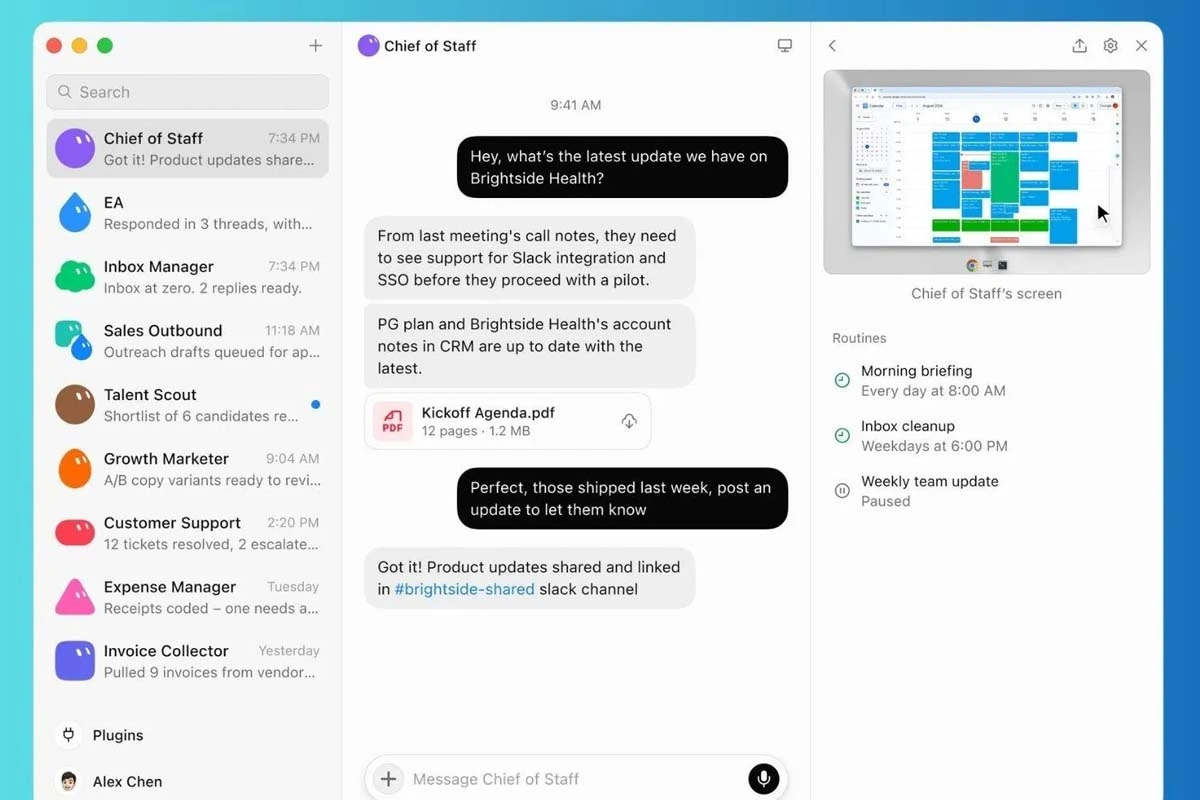
The conventional Grok primarily functions as a chatbot or conversational assistant. Its central role is to respond to prompts and inquiries.
Grok Build, on the other hand, is a programming agent that operates in the terminal. It can write, edit, test, and send software.

Grok Bot is aimed at executing digital tasks. It can work with applications and websites while the user is busy or even offline.
The project originally started at Cursor, under the code name Sand, and was partially developed using computing power from SpaceXAI.
The early beta of Grok Bot is available for paying subscribers of certain SpaceXAI and Cursor plans.
SuperGrok Plus.
SuperGrok Heavy.
Cursor Teams Premium.
The tool can be downloaded on macOS, Windows, iOS, and Android. The main page of Grok Bot shows a download option tailored to the operating system being used.
The other download alternatives appear within the “More Downloads” button.
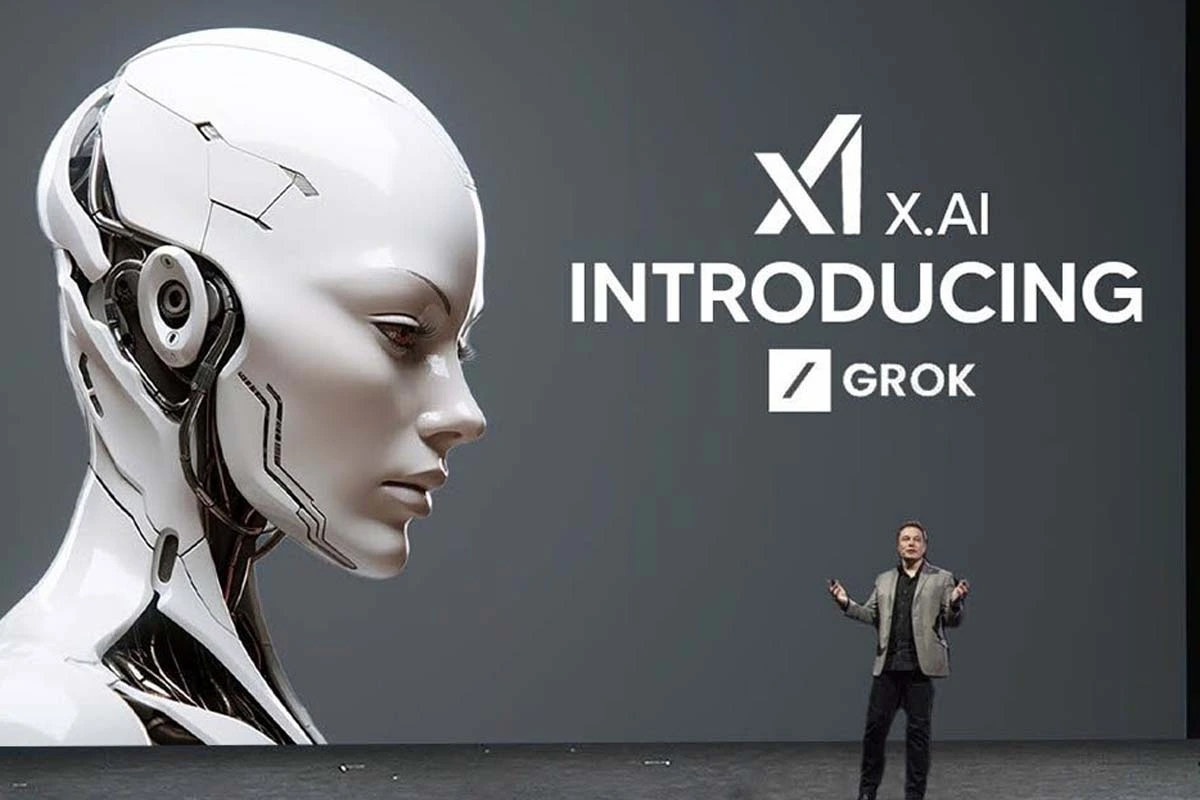
To try Grok Bot, you need to go to its official page and select the corresponding download option.
After installing it, you must log in with an account linked to an enabled subscription of SuperGrok or Cursor.
From there, the user can create a bot, define its function, and start assigning tasks.
Grok Bot can use connected tools to perform multi-step tasks. Its functions include filling out forms, responding on social media, and sending emails.
It can also be used for lower-risk activities, such as summarizing documents or organizing research notes while the user supervises the process.
According to SpaceXAI, bots can learn by observing how the user completes a task. That flow is recorded as a routine they can use to improve future executions.