Google offers ChromeOS Flex for free so your old notebook works like new
Compartir:
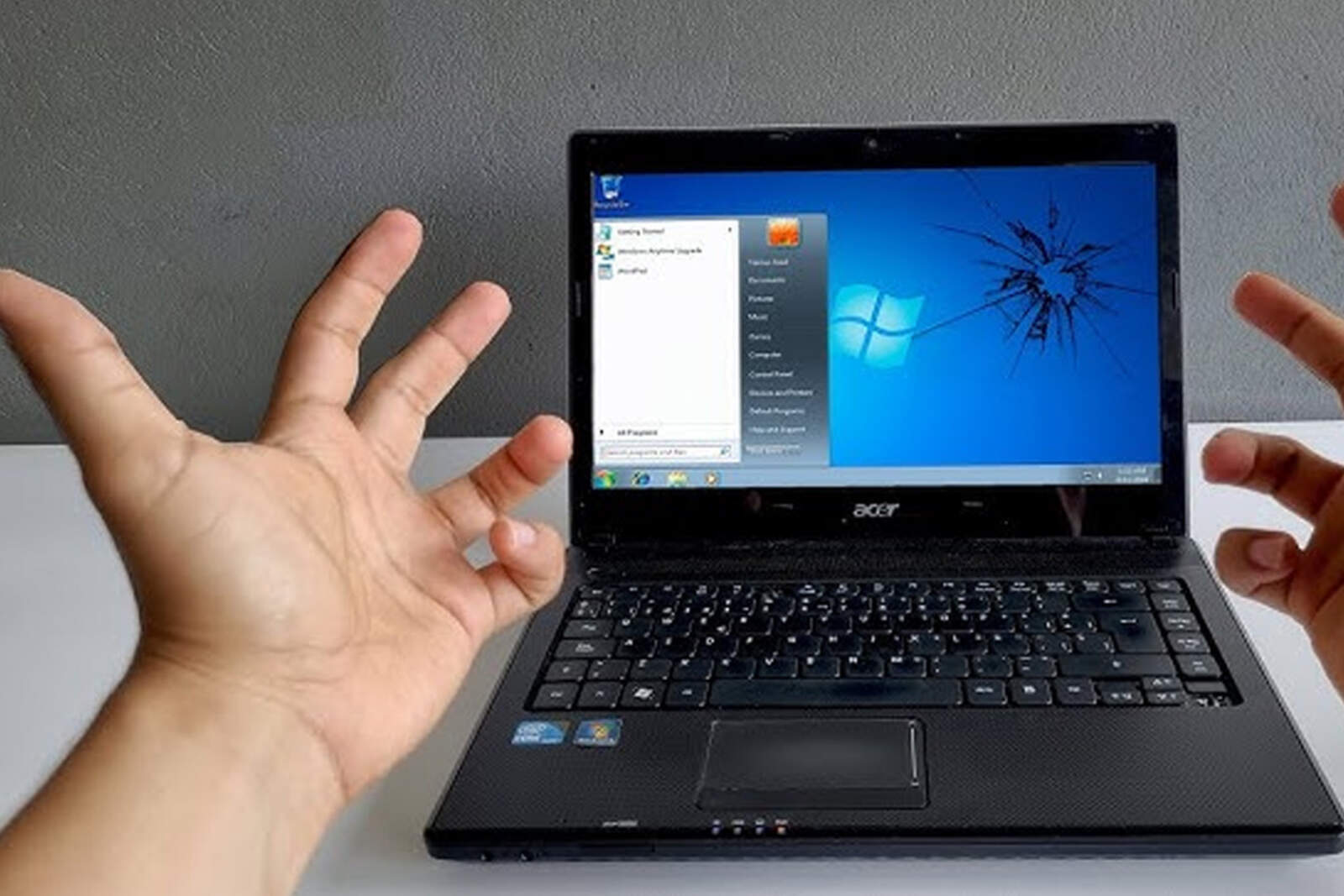
When a notebook starts to fail, the symptoms are clear: slowness, freezes, file reading errors, and annoying messages on the screen. Over time, Microsoft and Apple also stop providing updates.
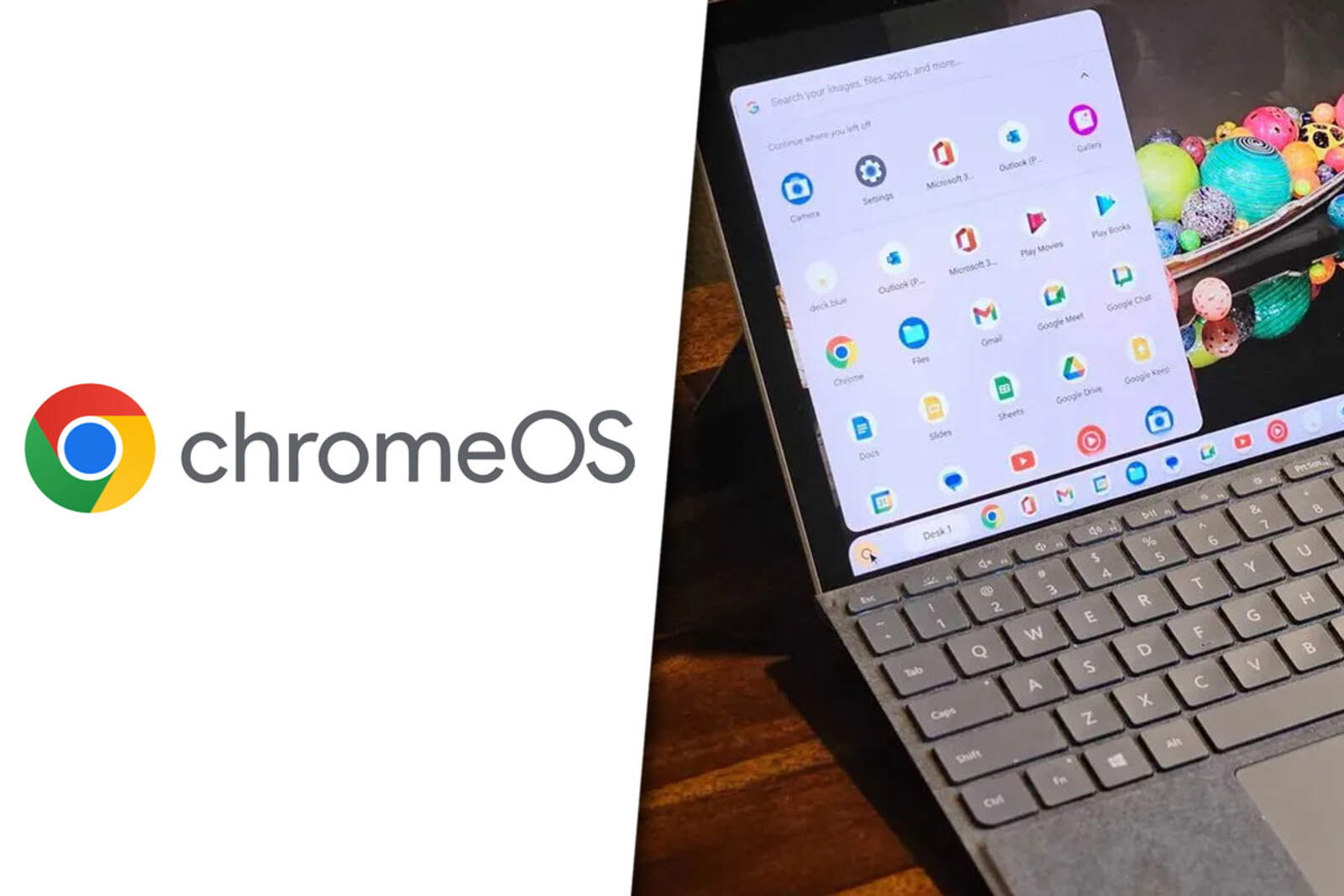
If you were thinking about replacing your device, there is a free alternative that can give it a second life. ChromeOS Flex is the system from Google that transforms your PC or Mac into a lightweight and functional computer.
Existe una alternativa gratuita que puede darle una segunda vida
What is ChromeOS Flex?
It is a version of the operating system from Chromebooks, but designed to be installed on Windows or macOS. Its interface is basically a web browser with extra features, which makes it fast and stable.
Since it is free, you can use it to revive your old machine, have a second backup notebook, or even give it to someone else.
How to create a ChromeOS Flex installer
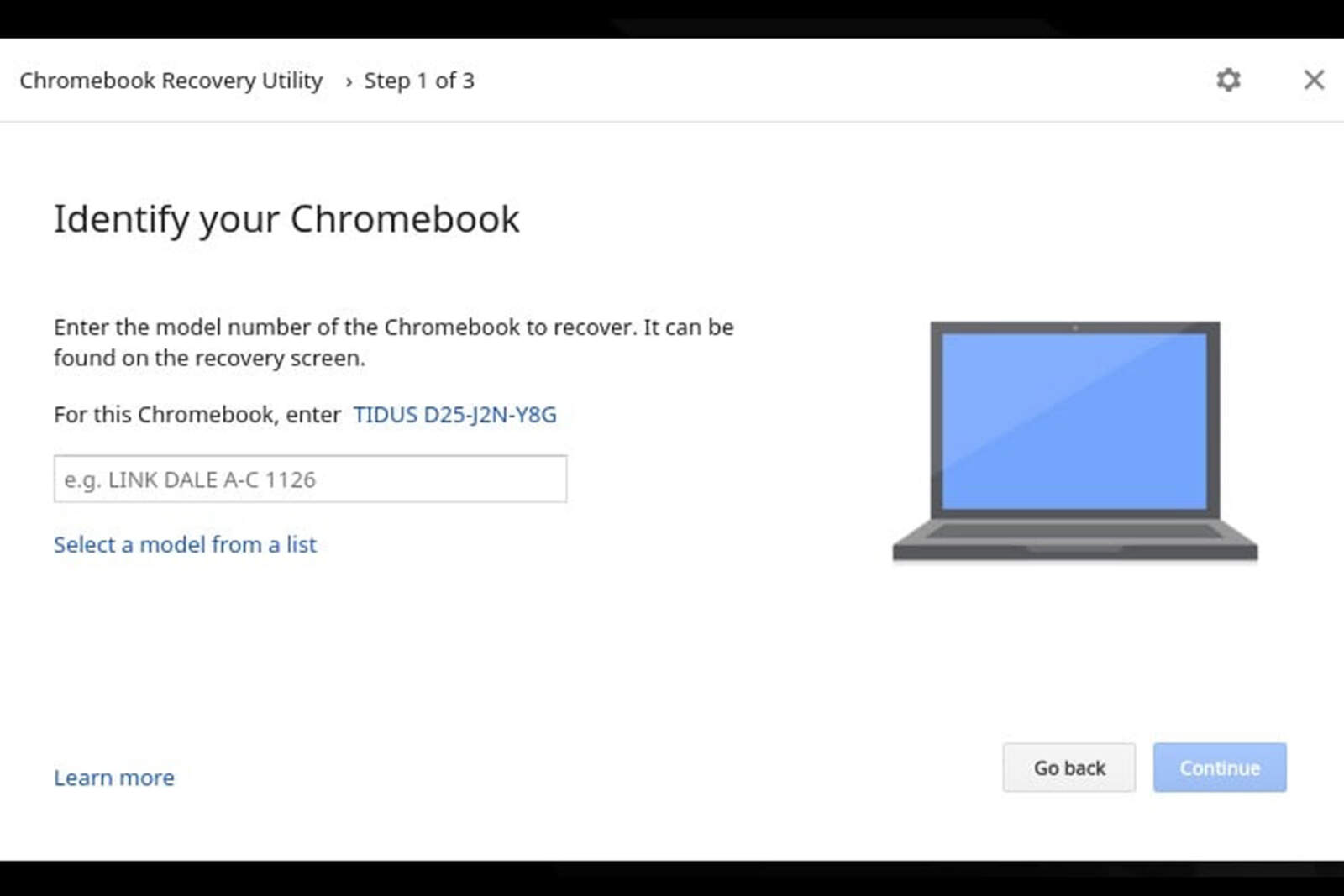
To get started, you need a pendrive of at least 8 GB and the Google Chrome browser. From there, you download the Chromebook Recovery Utility extension from the Chrome Web Store.
Chromebook Recovery Utility
When you open the tool, select "Google ChromeOS Flex" as the manufacturer and "ChromeOS Flex" as the product. Then, choose your pendrive and follow the instructions until the installer is ready.
Try or install: two possible paths
Once you start your notebook from the pendrive, you will see the ChromeOS Flex welcome screen. There you can choose between two options:
Try it from the USB, without modifying the disk.
Install it permanently, replacing Windows or macOS.
The first option is ideal if you want to test it without commitment. The second is best if you are looking to revitalize your device.
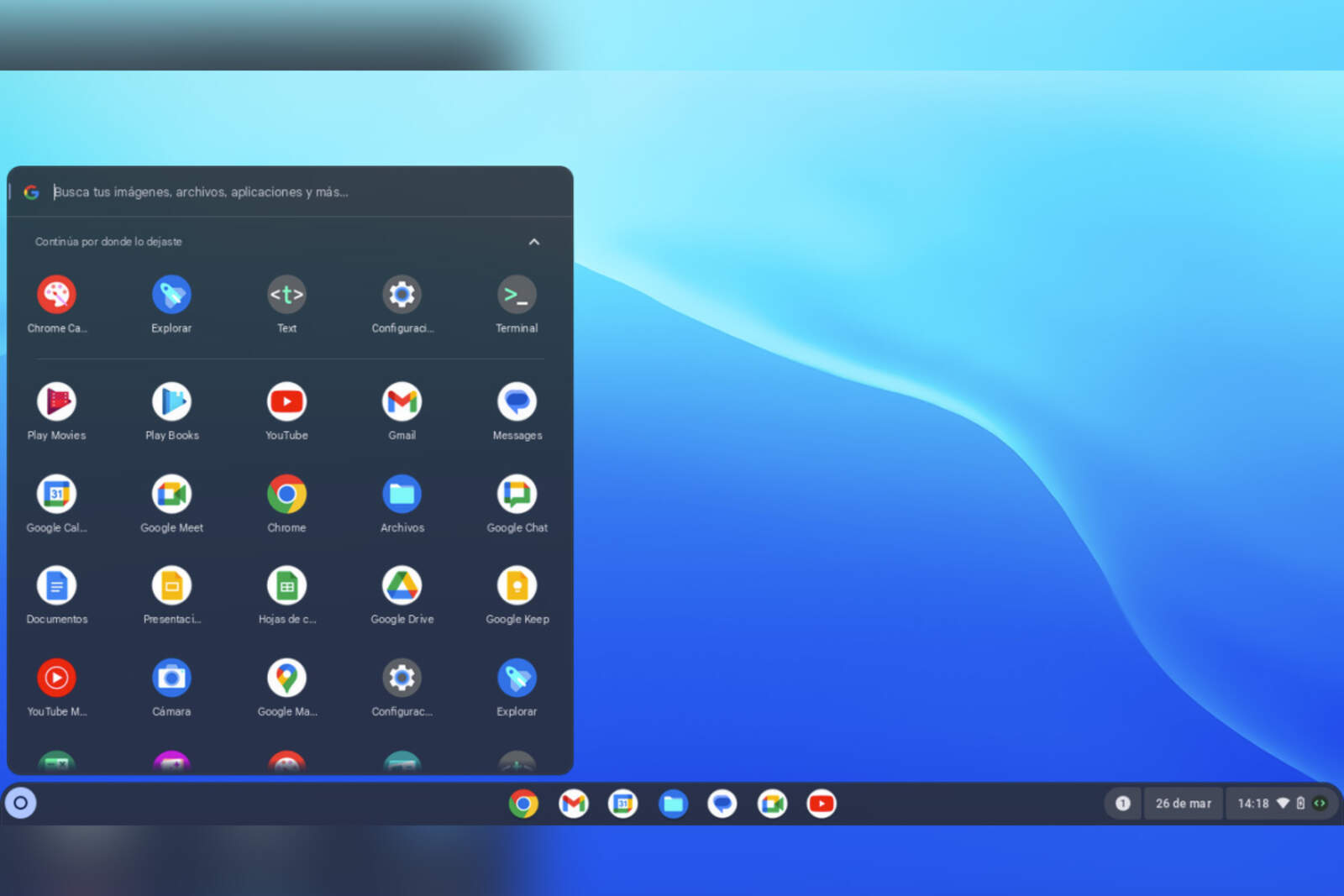
ChromeOS Flex
What to expect from ChromeOS Flex
When you use it, the experience is similar to a Chromebook: a Chrome browser enhanced with a taskbar, access to web apps, Files for local documents, and a complete settings menu.
It automatically detects Wi-Fi, mouse, and touchpad, especially on models certified by Google. In a matter of minutes, your old notebook can be ready to keep working without issues.